
Use the Identify tool to find more information about specific features on the map.
Tohua ngā āhua ā-mapi i te Mahere Whakakotahi o Tāmaki Makaurau Identify map features in the Auckland Unitary Plan map viewer
Identifying a parcel
Step 1: Click on the Identify button on the map display.

Step 2: Click on the area of the map you want to view the information on.
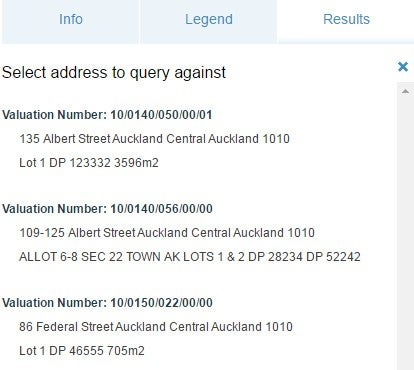
Step 3: If more than one address returns, select the one you want to find out more about.
Step 4: The Property Summary will show on the left of the screen in the Results panel. Click on the row of information you are interested in. You may need to scroll or resize the window to see all the information.
Step 6: To return to the list of results, click on Table view, in the top right hand corner below of the Results screen.
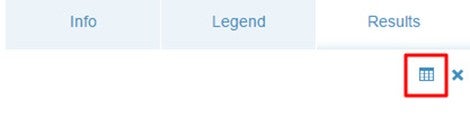
Step 7: To clear results from the map and the results panel, click the ‘X’.